
SWITNEX Mini Wireless WiFi Switch User Manual
SWITNEX Mini Wireless WiFi Switch User Manual
| Technical Data | |
|---|---|
| Control Methods | Tuya APP, Amazon Alexa, Google Home, RF Wireless Wall Switch |
| Maximum Load (General) | 2500W |
| Maximum Load (LED/CFL/Fluorescent) | 300W |
| Wireless Standard | Wi-Fi 2.4 GHz |
| RF frequency | 433MHz |
| Receiver Dimensions | 47 x 42 x 23 mm |
| Restart Status Memory | Configurable (remember last state) |
| Family Sharing | Supported |
Product Detail
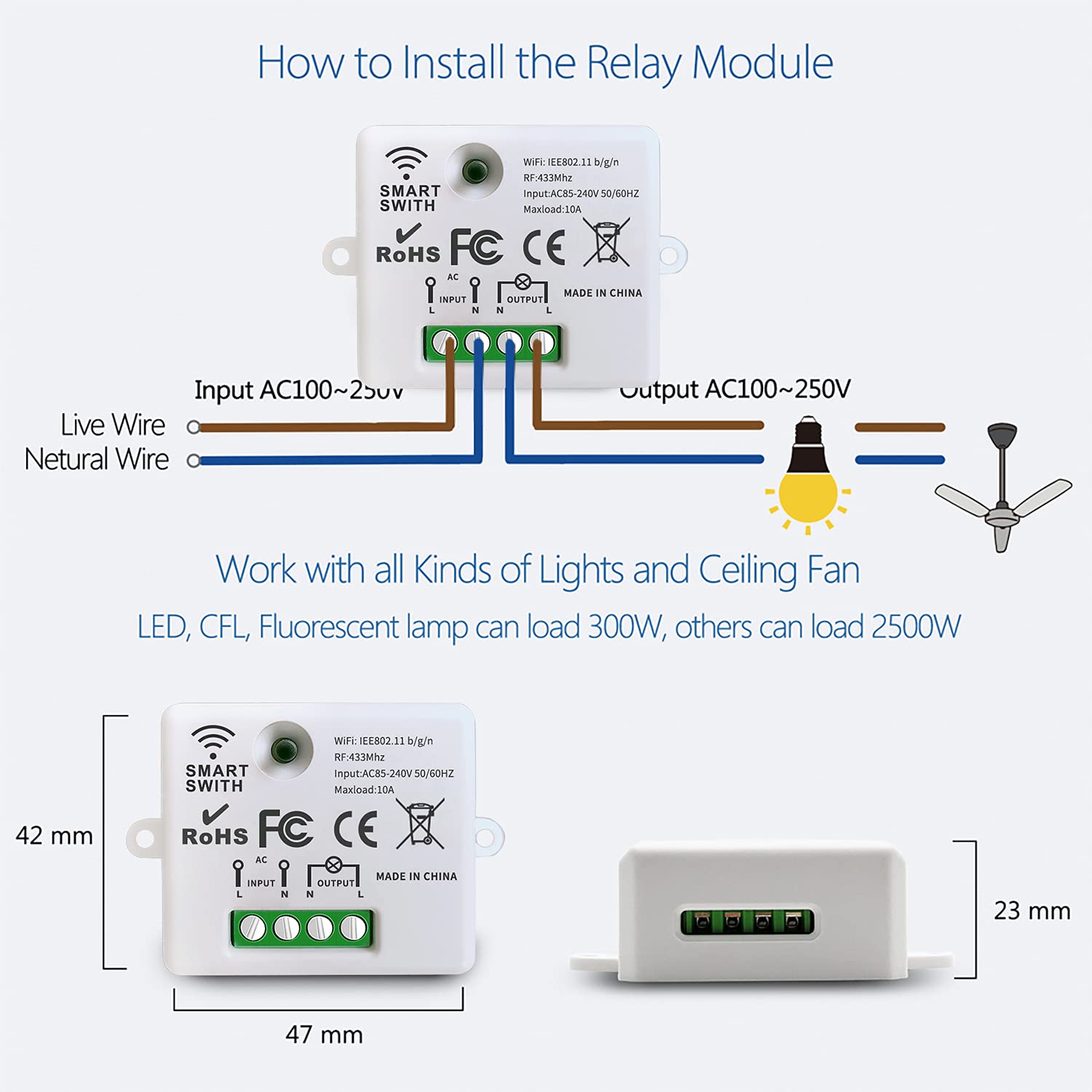
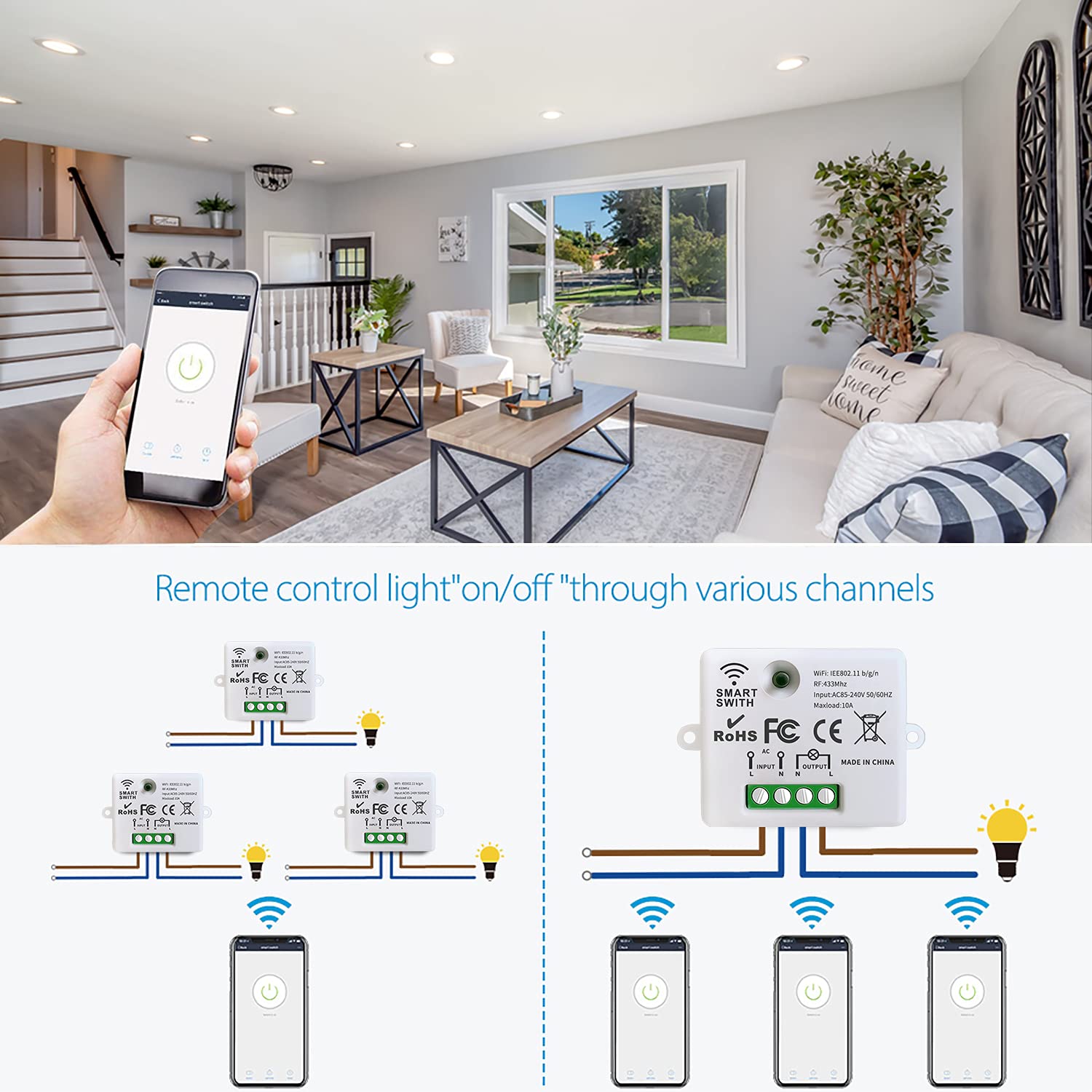
- 3 x Mini Wireless WiFi Relay Receivers – compact design (47x42x23mm), screw terminals for L/N input and output
- 1 x Wireless Wall Switch – multi-gang, RF 433MHz control
- Pairing button on each receiver – for Wi-Fi and RF pairing
- Indicator light on receiver – shows status and pairing mode
Wiring Diagram
- Power input: Connect Live (L) to ‘L INPUT’, Neutral (N) to ‘N INPUT’
- Appliance output: Connect Live (L) to ‘L OUTPUT’, Neutral (N) to ‘N OUTPUT’
- Mount receiver in electrical box with adequate ventilation
Warning
- Always disconnect power at the main circuit breaker before performing any wiring.
- If unsure about electrical wiring, consult a qualified electrician.
- Do not exceed maximum load (2500W general, 300W for LED/CFL/fluorescent).
- Ensure Wi-Fi network is 2.4 GHz (5 GHz not supported).
- Keep device away from water, moisture, and extreme temperatures.
Operating Mode
RF Wireless Wall Switch Control
The wireless wall switch communicates with the relay module via 433MHz RF.
How to pair:
- Ensure the relay module is powered on.
- Press and hold the pairing button on the relay module for 3-5 seconds until the indicator light blinks rapidly.
- Within 10 seconds, press any button on the wireless wall switch.
- The indicator light will stop blinking and remain solid momentarily, confirming successful pairing.
Multi-control options:
- Multiple wall switches can control a single receiver
- One wall switch can control multiple receivers
APP Control (Tuya Smart / Smart Life)
- Download Tuya Smart or Smart Life app from your app store (iOS/Android).
- Register or log in to your account.
- Tap ’+’ or ‘Add Device’.
- Select ‘Electrical’ > ‘Switch (Wi-Fi)’ or ‘Smart Switch’.
- Follow in-app instructions to connect the relay module to your 2.4 GHz Wi-Fi network.
- Once connected, rename the device and control from anywhere.
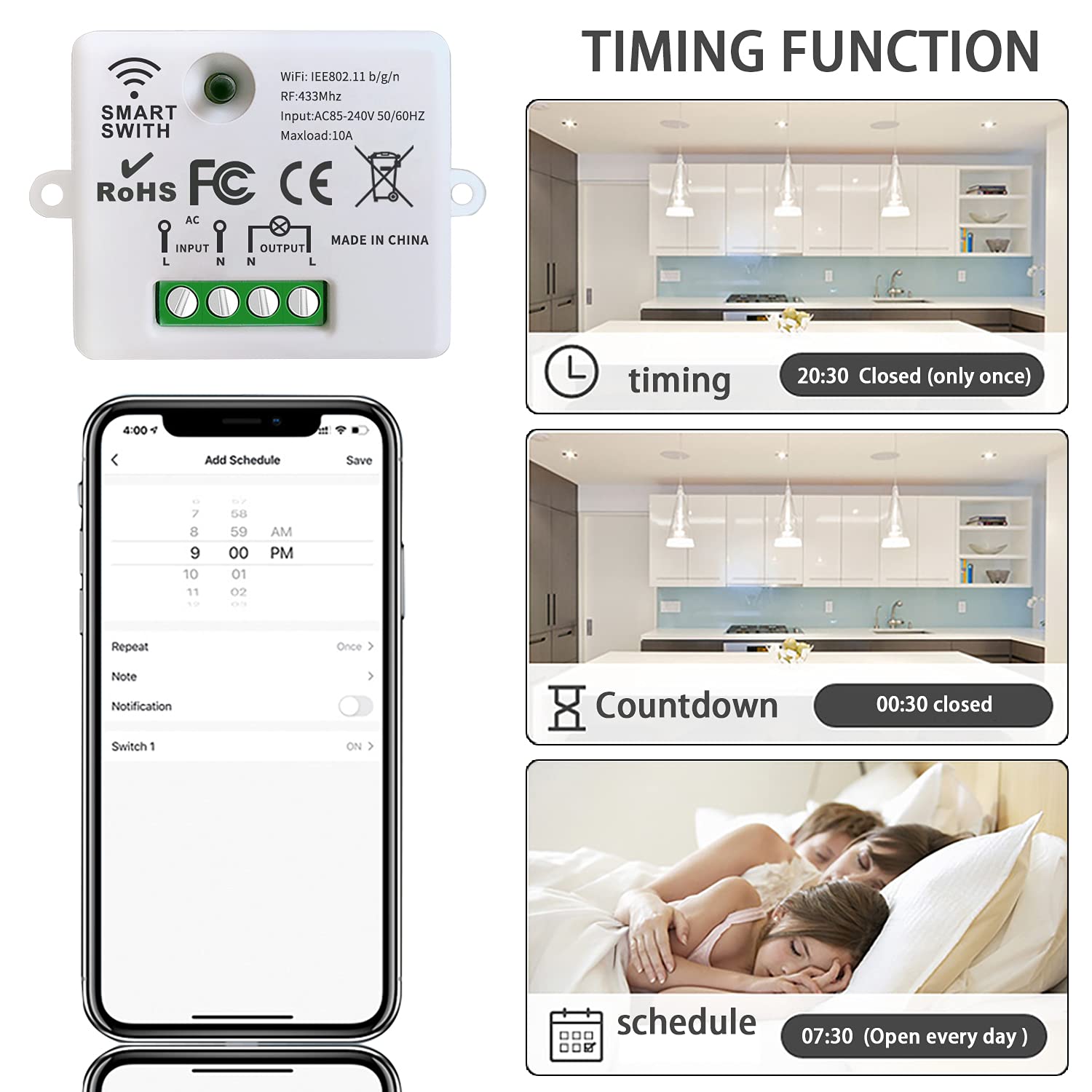
Voice Control (Amazon Alexa / Google Home)
- Open the Amazon Alexa or Google Home app.
- Navigate to ‘Skills & Games’ (Alexa) or ‘Works with Google’ (Google Home).
- Search for ‘Tuya Smart’ or ‘Smart Life’ and enable the skill/service.
- Link your Tuya/Smart Life account when prompted.
- Discover devices.
- Voice command examples:
- “Alexa, turn on the light”
- “Hey Google, turn off the fan”
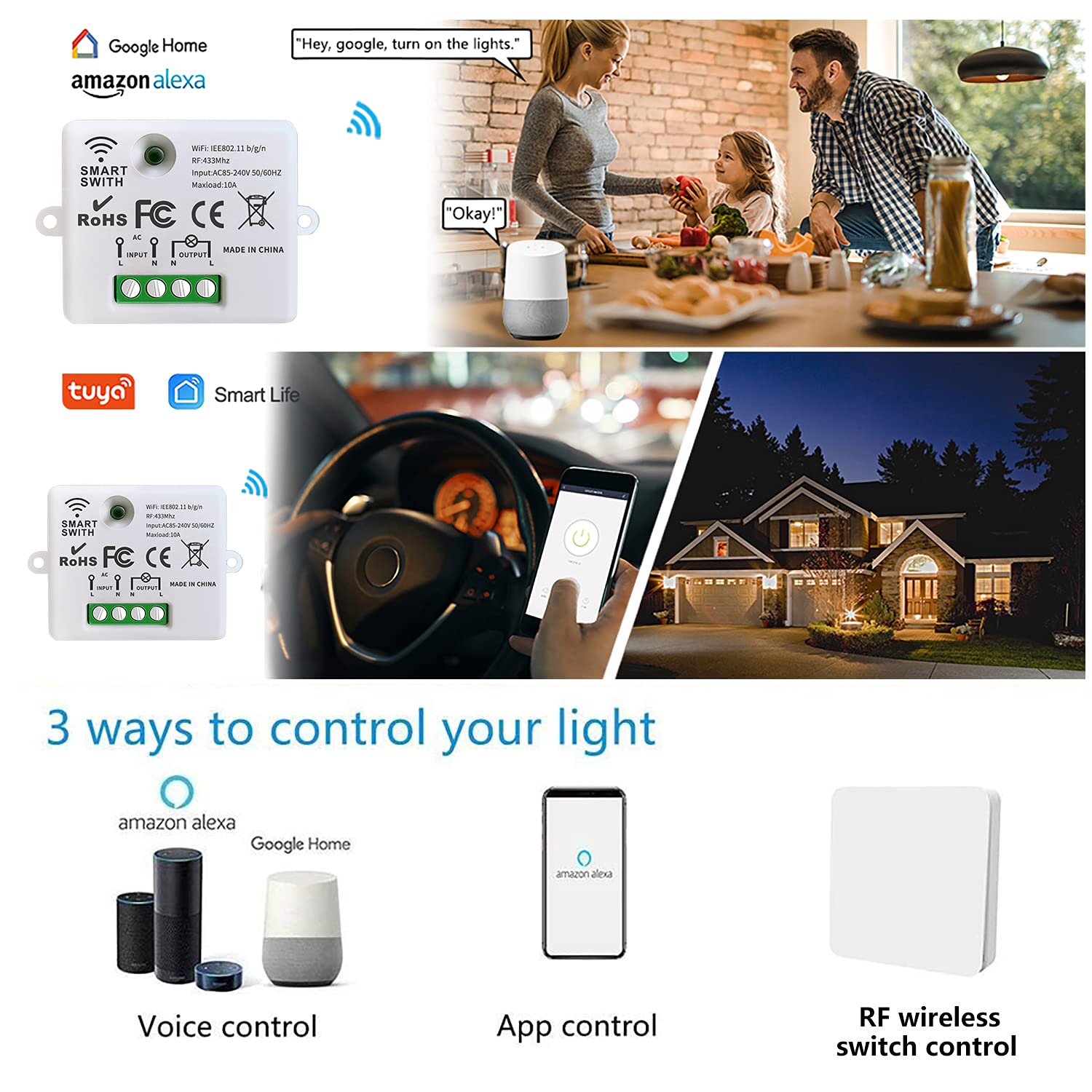
Scheduling and Timers
Set schedules, countdowns, and loop timers for automated operation via the app:
- Schedule: Set specific times for devices to turn on/off
- Countdown: Set a timer after which the device turns off
- Loop timer: Repeat on/off cycles at intervals
Restart Status Memory
Configure the device to remember its last state after a power interruption (configurable in the app).
Family Sharing
Share control of devices with family members through the app.
Troubleshooting
If the receiver and switch cannot operate normally, try the following steps:
- Module not connecting to Wi-Fi: Ensure 2.4 GHz network (not 5 GHz). Check password. Move closer to router during pairing. Reset module and retry.
- Wall switch not responding: Check module is powered. Re-pair switch (press pairing button 3-5 seconds, then press switch button). Ensure within RF range (up to 50 meters open area).
- App control not working: Check internet connection. Ensure Wi-Fi indicator is solid. Restart app.
- Voice control not responding: Verify account linking. Discover devices again. Use correct device names.
Maintenance
- Keep receiver modules dry and free from dust. Use a soft, dry cloth for cleaning.
- Avoid exposing to direct sunlight, high humidity, or corrosive environments.
- Periodically check wiring connections for security.
- Ensure adequate ventilation if installed in enclosed spaces.
Contact
- WhatsApp: +86 15812381273
- Email: linktrol@icloud.com
If there is any question about the products, please contact us first. We will do our best to solve your problem. Thank you.

10% OFF
For an exclusive 10% OFF upgrade discount, Use code: FBA10.
Copy the code before visiting the shop.